|
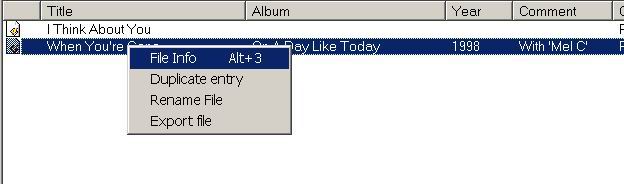
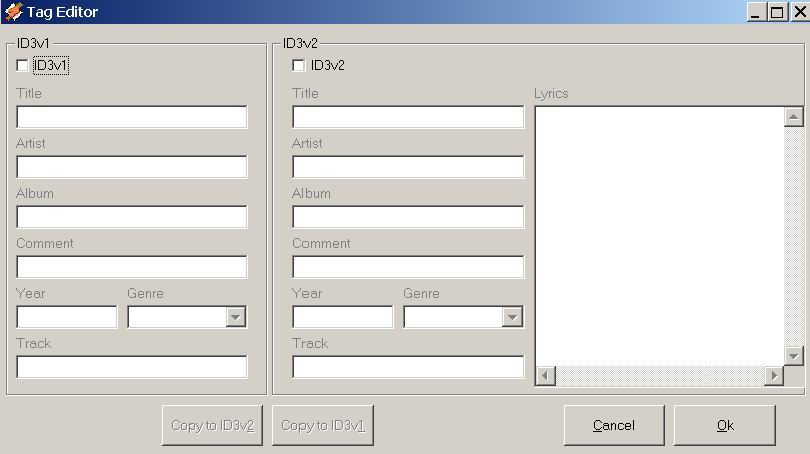
First step: Opening the dialog box Second step: Filling in the information Third step: Copying the information Fourth step: Saving or discarding changes |
|
||||||||||||||
|


Artículos propios
Arts. Sobre seguridad
- 1. Hoax "Microsoft - AOL"
- 2. Leyendo entre líneas: un arte perdido
- 3. Listado de emails en CD: ¿Cómo llegó mi dirección de email a ese listado?
- 4. Cruzada de ONGs para luchar contra la "lucha contra el SPAM"
- 5. La importancia del uso de CCO (copia carbónica oculta)
- 6. ¿Por qué no subir fotos de nuestros hijos a Facebook?